This Quick Byte shows how to use a GPS module in your projects, and provides a SPIN2 code driver to access the GPS data.
The example code shows how to access the GPS driver in various configurations, outputting the GPS data to the Propeller Tool debug window!
The intention of this demo is to introduce the low level code that handles the NMEA GPS string parsing for you, so that each element of the GPS message can be read directly by your code. Further processing of the data is open for the user application.
Adding a GPS module to your project will allow you to have accurate time, date and location information that is updated every second!
Hardware Connections
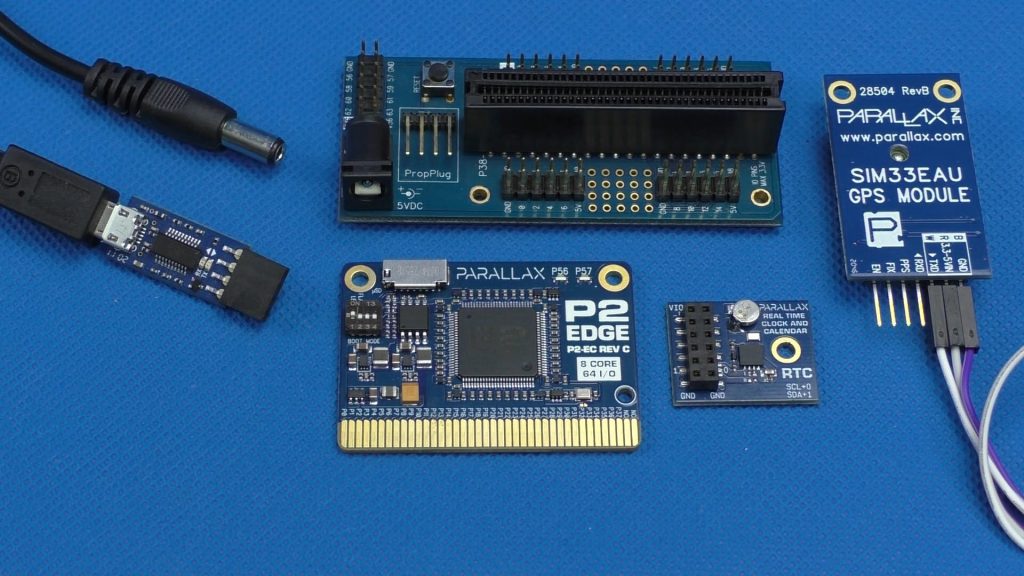
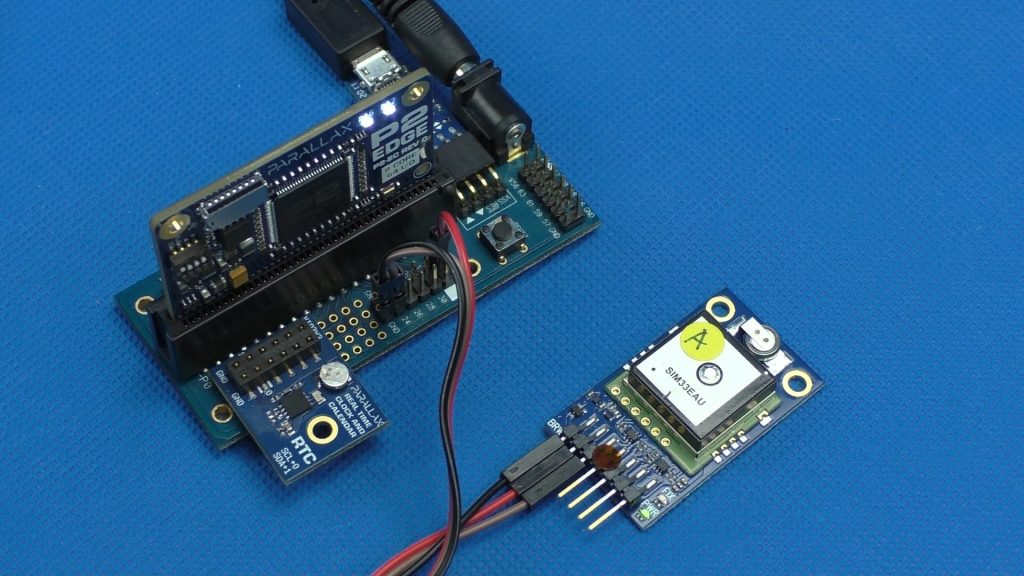
Follow these pictures to wire up the hardware listed under Parts Used (below). Note: The RTC module in these pictures is not used for this Quick Byte.
For help please feel free to ask your questions here, or for a wider audience of helpers at our https://forums.parallax.com.