


" I have a class set of cyberbots (24) and the students love them. But I have a handful that don't go straight when the servos are set to speeds that should make it go straight. Do you have a troubleshooting page for this problem? Any help troubleshooting this problem would be welcome."
Timothy Lee, Computer Science Teacher Tweet
We received this question from an educator this week.
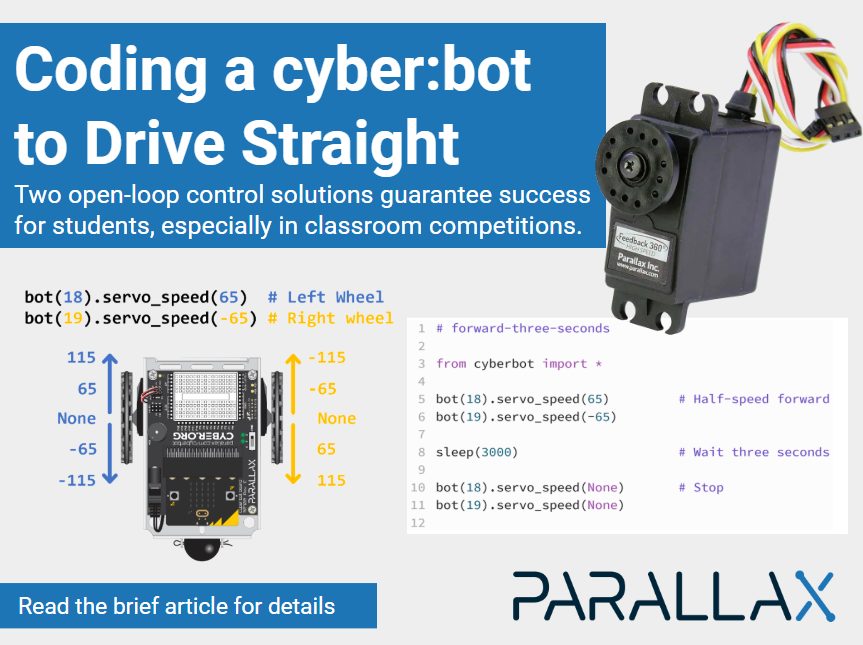
As an early classroom programming activity, teachers often ask the students to program their cyber:bot to drive a specific pattern — maybe making a box, following a path taped on the table, etc. The exercise is really understanding the relationship between Python scripts and robot movement. Most robots are using some sensors with real-time, closed-loop control and may not “drive straight for two feet, paying no attention to any queues or anything in the way” but this activity still makes a good classroom challenge!
This form of open-loop control is also called “dead reckoning” and uses no sensors for feedback. A student’s success is determined by the code they write, whether the servos were centered perfectly, if their robot was placed slightly askew on the starting line, and battery voltages were all the same.
If you’ve had trouble sorting this out, we have two solutions for you, both featured below!
Ken Gracey
Parallax Inc.
This can be done with the standard cyber:bot Robot Kit servos. This new tutorial is available in draft form (not yet incorporated into the Learn cyber:bot Tutorial series as of November 2024). This tutorial details the Python scripting steps to adjust your cyber:bot to travel straight by taking the student through a few exercises. For now, the tutorial is available as a draft in Google docs. Send any feedback to education@parallax.com.
This solution involves replacing the two servos on your cyber:bot kits with the Feedback 360 Servo. This servo has it’s own internal closed-loop control system that ensures precise distance and speed travel. Once you do the upgrade, you’ll need to make changes to every cyber:bot program you write to use some new Python scripts. The cyberbot.py library takes care of managing this servo. The precision control will be impressively accurate! We already have a compete tutorial for doing exactly this, and you will also need to buy two new servos for each cyber:bot.