


Hello micro:bit community:
First, educators and students should know that the new Python Editor is compatible with all of our curriculum and hardware. As part of the external beta users for the last year, Parallax has successfully used the new micro:bit Python editor with our cyber:bot, Cybersecurity, and “What’s a Microcontroller?” curriculum. Our Cyberscope, cyberbot.py module import process for cyber:bot, and our code examples are compatible with the new release!
You may use the new Python editor linked above or the prior version — it’s up to you. The only inconvenience is that our screenshots are using the prior editor; we plan to upgrade the curriculum’s screen capture images in Summer 2023.
Thank you to the Micro:bit Educational Foundation for the continued evolution of this wonderful product and the focus on Python, too.
Ken Gracey
Parallax Inc.
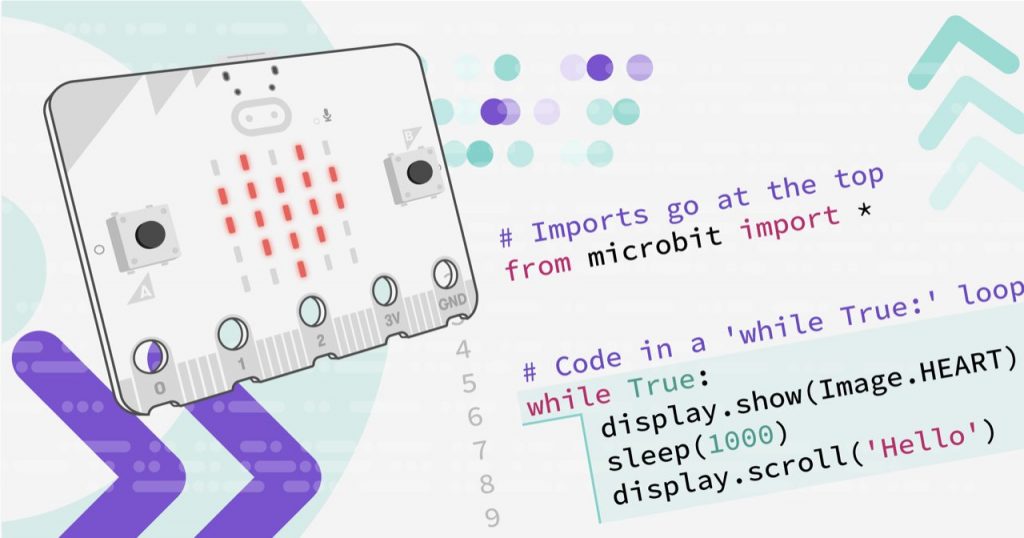
The new micro:bit Python Editor for text-based programming and physical computing has been released.
The new micro:bit Python Editor is designed to make text-based programming simpler and more appealing for students aged 11-to-14. It supports computer science educators to take their teaching further by adding physical computing with the micro:bit to their programming lessons.
The new micro:bit Python Editor is designed to:
New features include:
Link to educator landing page here: https://microbit.org/new-microbit-python-editor/