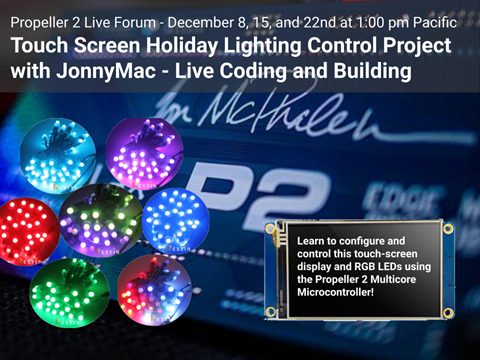
Gather the hardware and join us for a hands-on, three part immersive holiday project with the Propeller 2 Multicore Microcontroller. You’ll be watching, learning, asking questions, and running code examples during this event. Jon McPhalen (aka JonnyMac) has written hundreds of objects and libraries for the Parallax community, and has recently been working with the Nextion 3.5″ Display NX4832T035 Resistive Touch Screen Module. In the first meeting we’ll learn how to configure the Nextion display and program it for use with the Propeller 2. The second event is a refresher from last year’s presentations, specifically serial communications, I2C via the DS3231 ATC24C32 Real Time Clock Module & EEPROM module, and using “smart pixels” like the WS2812 or WS2811. Finally, the third session will put everything together to create a holiday lighting controller with a touchscreen HMI. Prior experience with microcontrollers, coding, and electronics is useful to do the project, but everybody is welcome to join in whatever mode of participation you desire.
P2 Live Forum Holiday Spin2 Kit from Parallax. We will only be using two parts from this kit: (a) the Rextin WS2811 Pixels Digital Addressable LED String Lights Waterproof RGB Full Color 12mm DC 5V and (b) the DS3231 AT24C32 Clock Module Real Time Clock Module. If you prefer, you may buy these two parts individually from Amazon. However, if you purchase the Parallax P2 Live Forum Holiday Spin2 Kit you will also have additional components which have P2 Quick Byte code examples.
Please download and install the Nextion editor before the first session so we can get right into using it.
You will also want an editor to create graphics (PNG) for your Nextion HMI projects. JonnyMac recommends Inkscape. It’s free, cross-platform, easy to use, and very versatile.