On-Demand Workshop: Cybersecurity with Python & micro:bit
This free Educator Workshop includes six hours of YouTube instructions to follow at your own pace, live support via Zoom if needed, and a certificate for 8 hours of professional development for qualified educators.
Explore and apply basic cybersecurity concepts with physical computing on micro:bit modules. Utilizing Python scripting and module-to-module radio communication, the Cybersecurity Tutorial Series lessons capture student interest while supporting career technology education (CTE) and computer science (CS) programs. Designed with high school in mind, they adapt to and complement middle school and college programs as well.
Workshop Activities:
Set up connections for programming and serial communication with the micro:bit Python editor
Write scripts for working with strings and handling exceptions
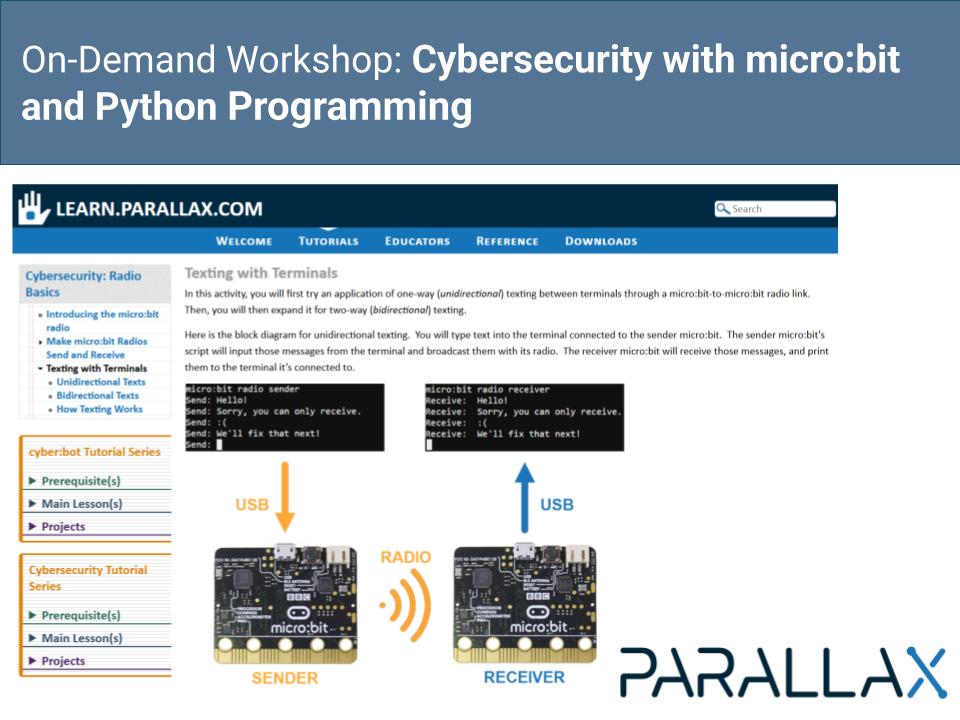
Establish a radio communication link between two micro:bit modules and pass data between them
Experiment with methods of data encryption
Launch and counter sniffing and brute force attacks
See how these skills can be applied to embedded hardware projects such as the cyber:bot robot
Access and review the student and educator resources for the program
How it Works
Everyone is welcome to access the YouTube sessions and presentation slides below at any time.
Follow the Video sessions and Presentation Slides below to complete the workshop.
If you get stuck, email us to education@parallax.com and we will get you going over email or schedule a Zoom meeting.
Once you have completed the Workshop, request a Zoom meeting to show off your new skills and answer a few questions, and we will issue you a certificate of completion for 8 hours of professional development.
If you aren’t sure if this class is right for you, contact us via education@parallax.com or book an appointment to meet. Tell us about your needs and ask us your questions.